Advanced
Add Artistu to Apple Calendar
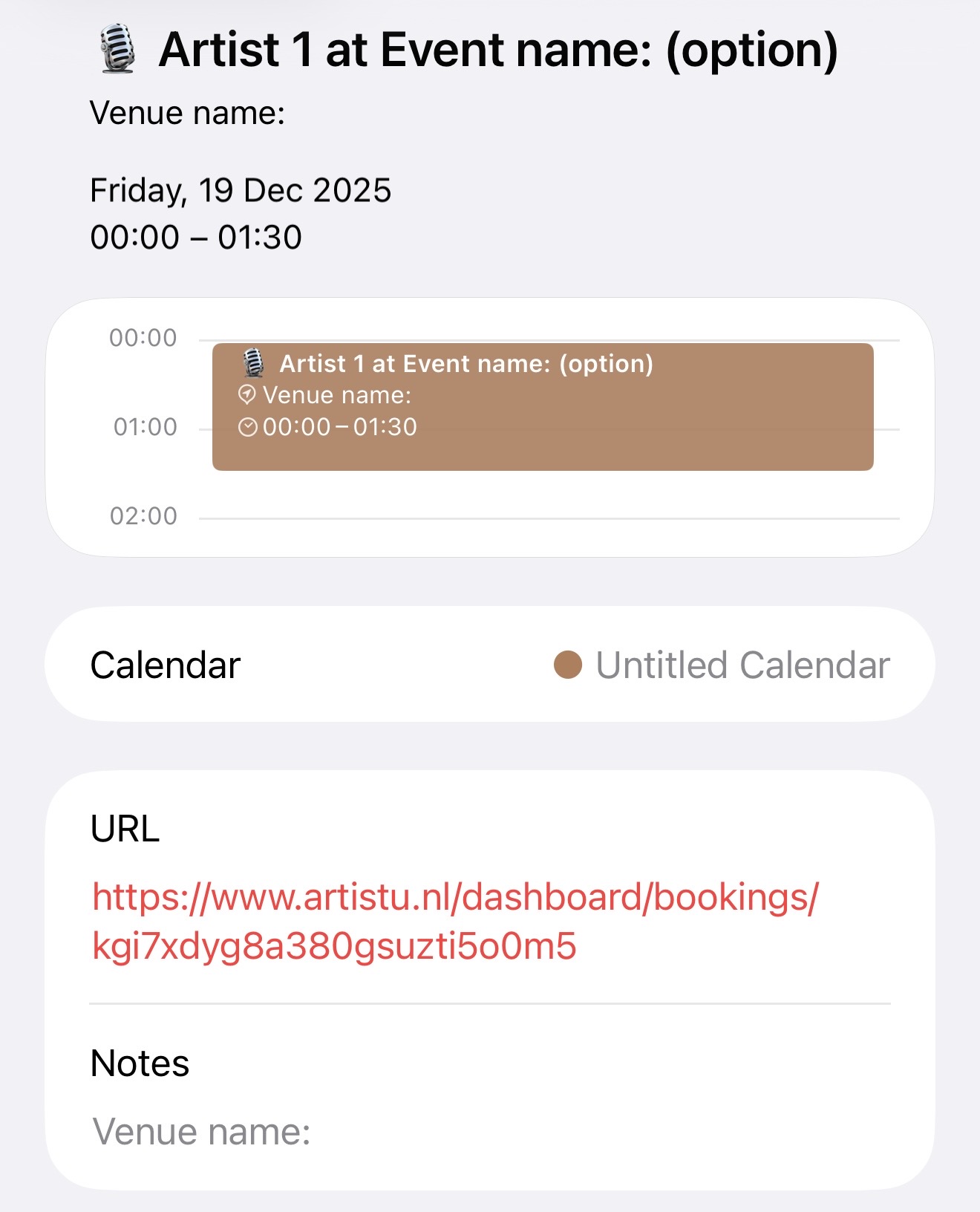
You can sync your Artistu booking schedule directly to your Apple Calendar on iPhone or iPad using a subscription URL. This ensures your mobile calendar is always up-to-date with your latest bookings.
Flexible configuration
These calendar URLs are highly flexible. You can create them from two perspectives:
- Agency Perspective: The events in the calendar will link back to the main Artistu dashboard for your agency.
- Artist Perspective: The events will link to the simplified artist dashboard.
You also have full control over which artists' bookings to include in the feed.
Step 1: Create the URL
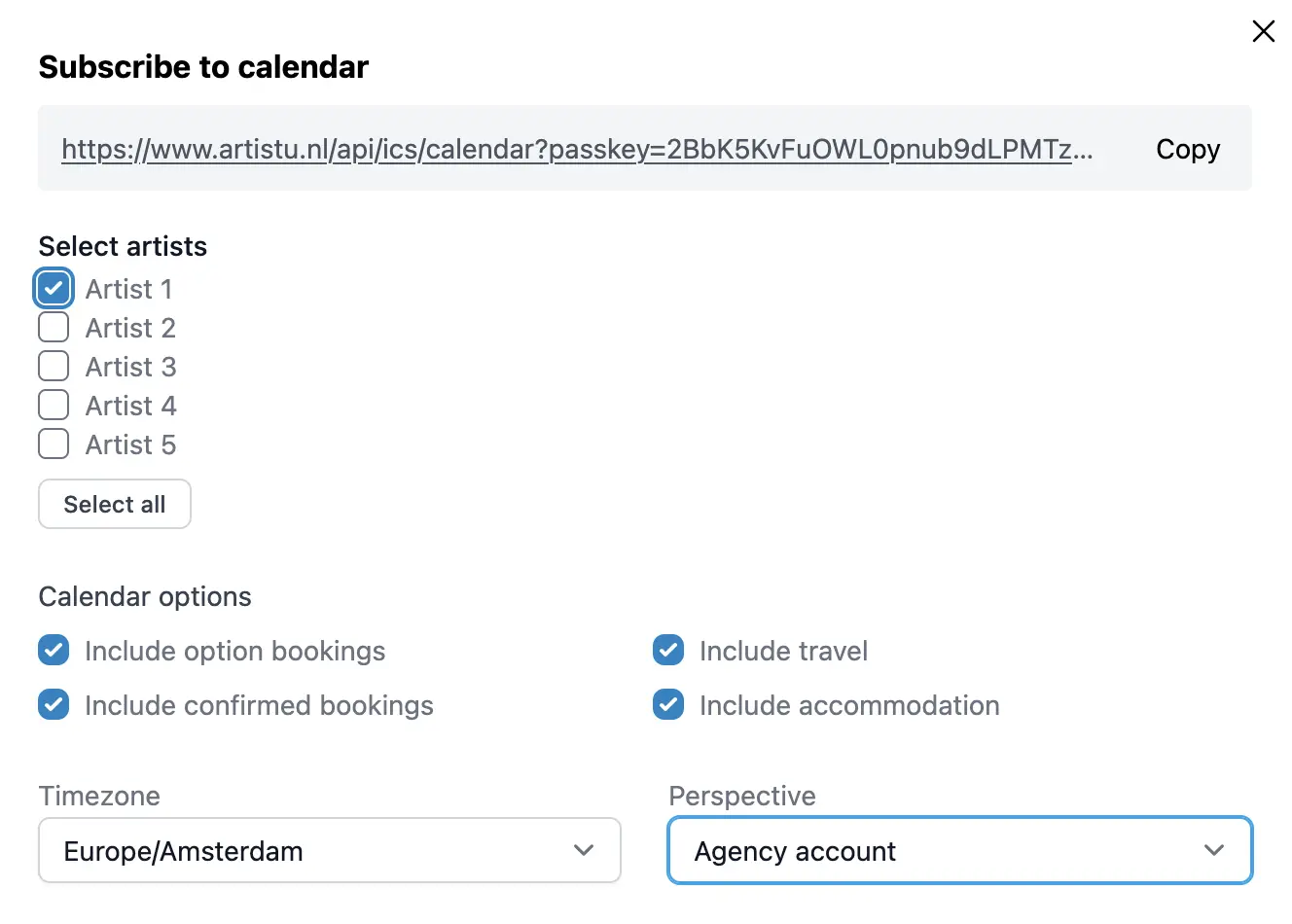
Go to your Settings page and scroll to the bottom to find the Calendar subscriptions section. Click on Create subscription.

Configure your subscription by selecting the artists and the link destination (Agency or Artist dashboard). Once created, copy the URL.
Step 2: Add to iPhone
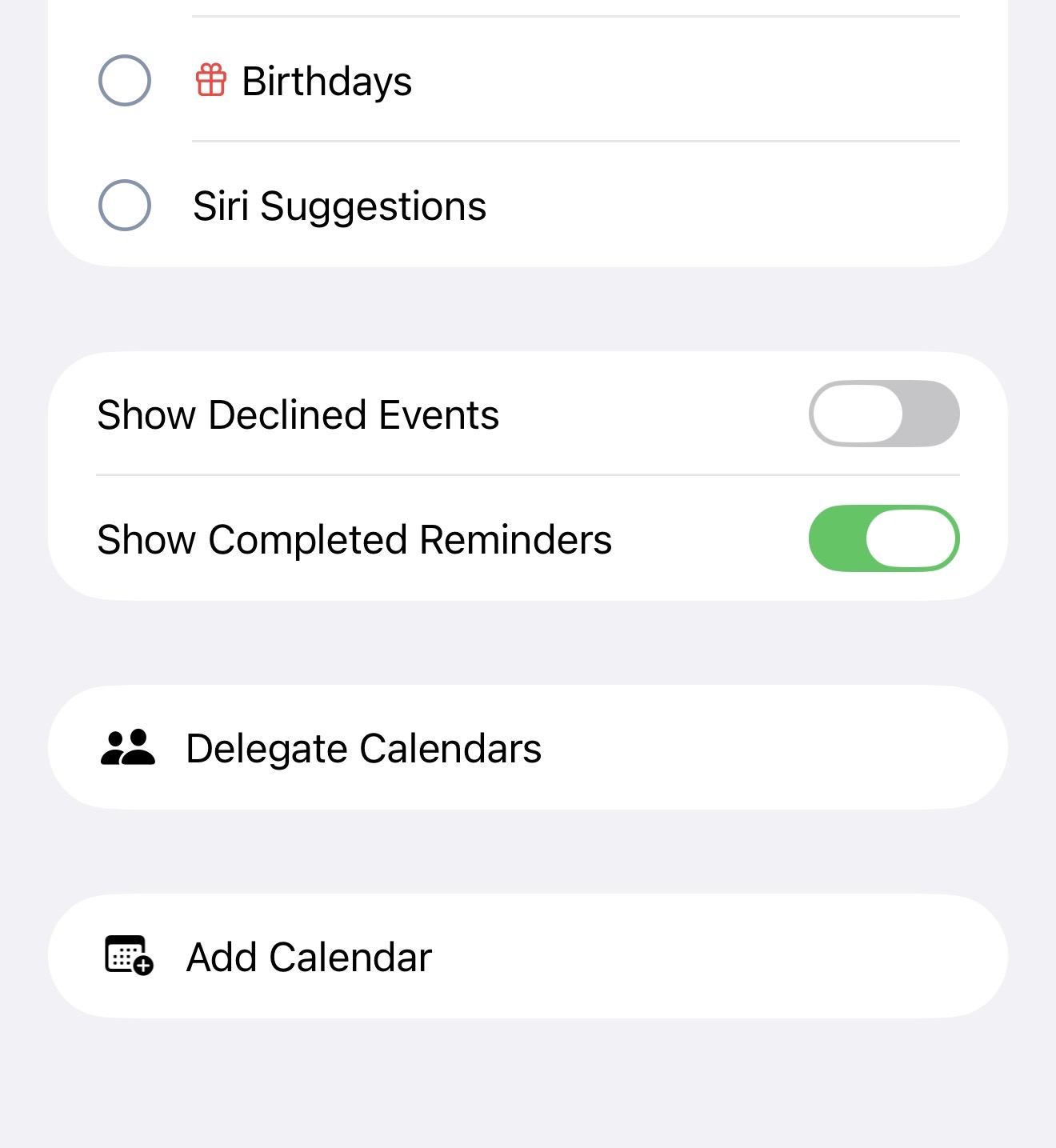
Open the Calendar app on your iPhone and tap on Add Calendar at the bottom.
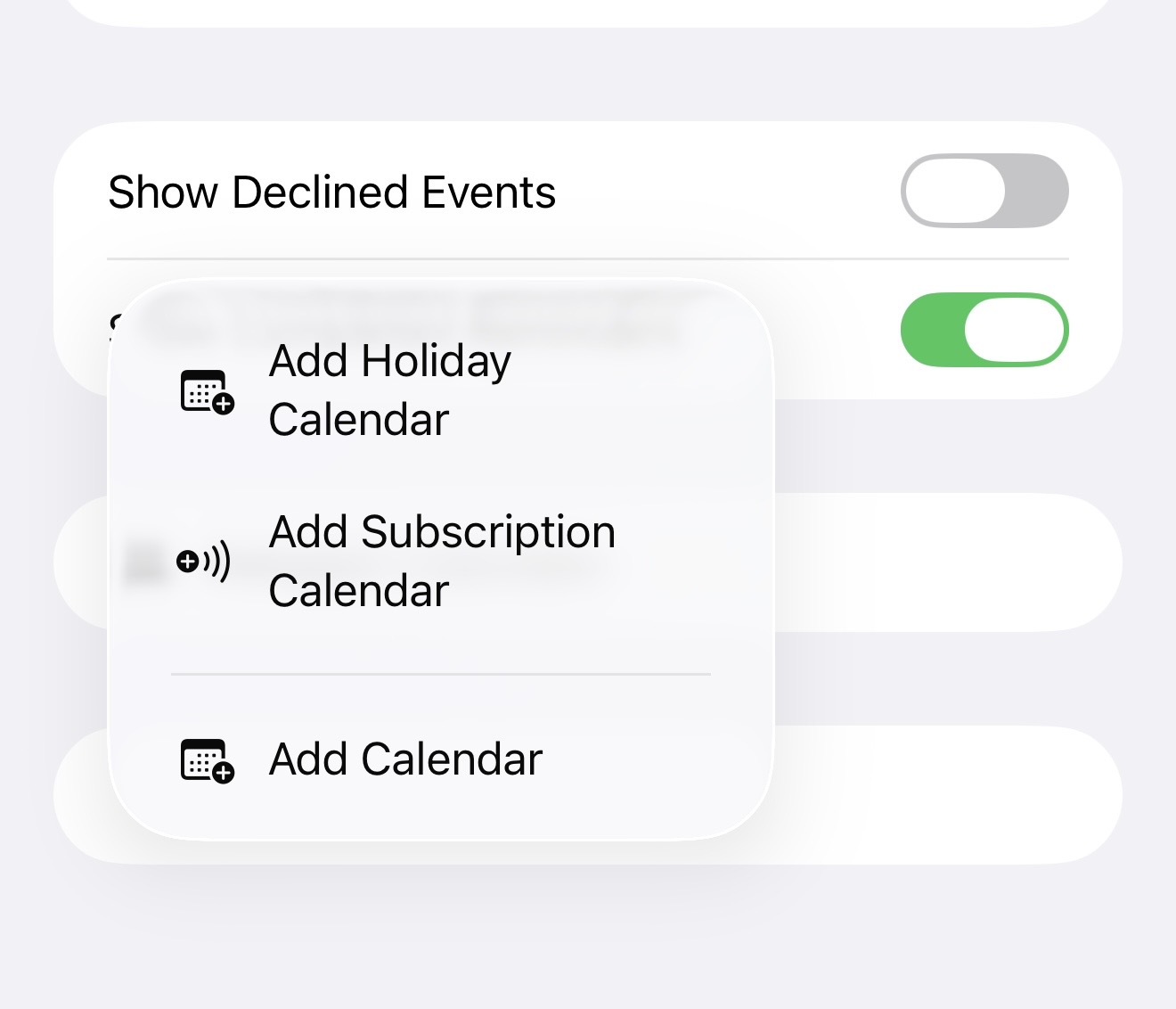
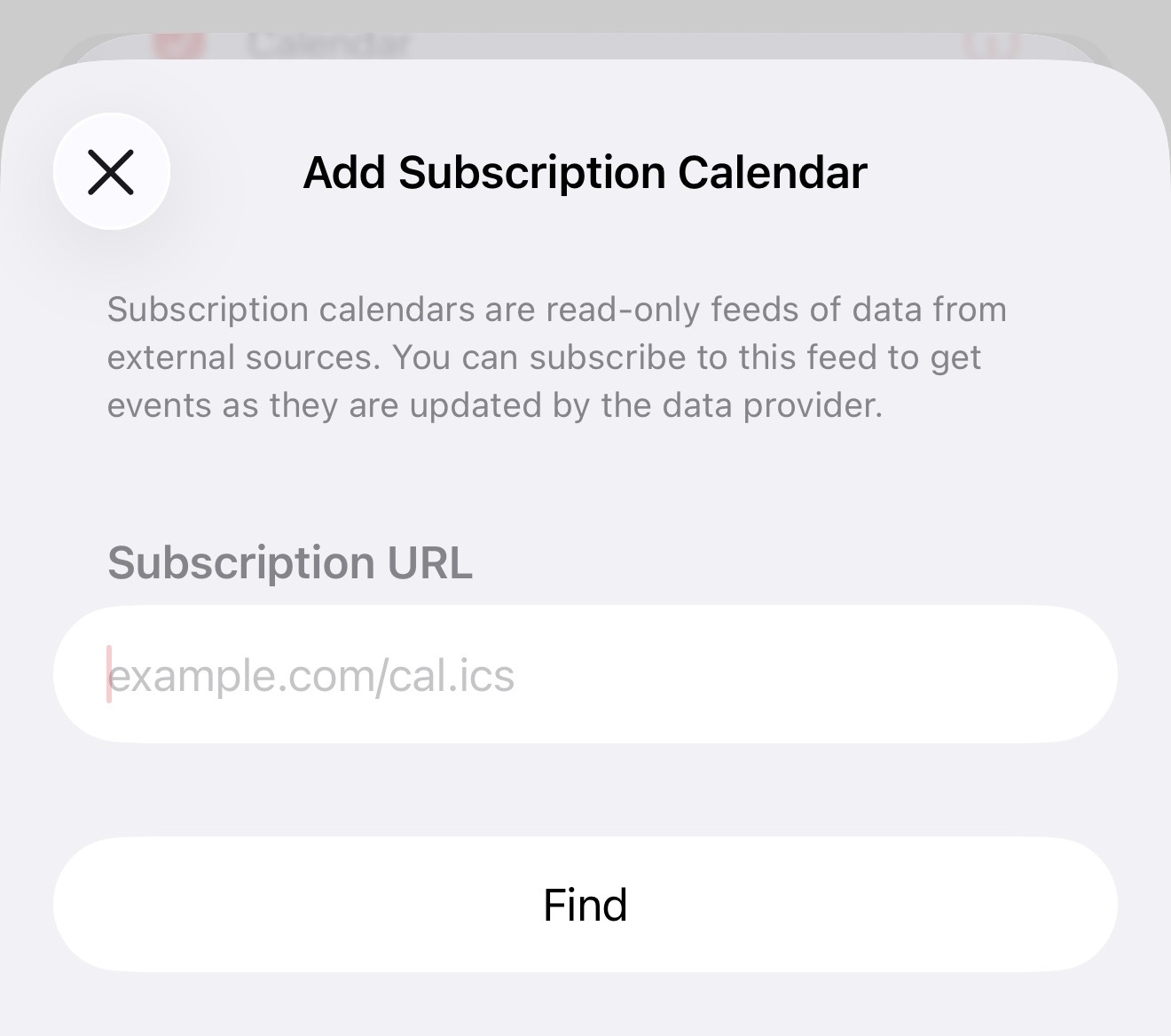
Select Add Subscription Calendar.
Paste the URL you created in Step 1 into the field and tap Subscribe.
Step 3: View your events
You will see a preview of the events that will be added. Tap Add to confirm.
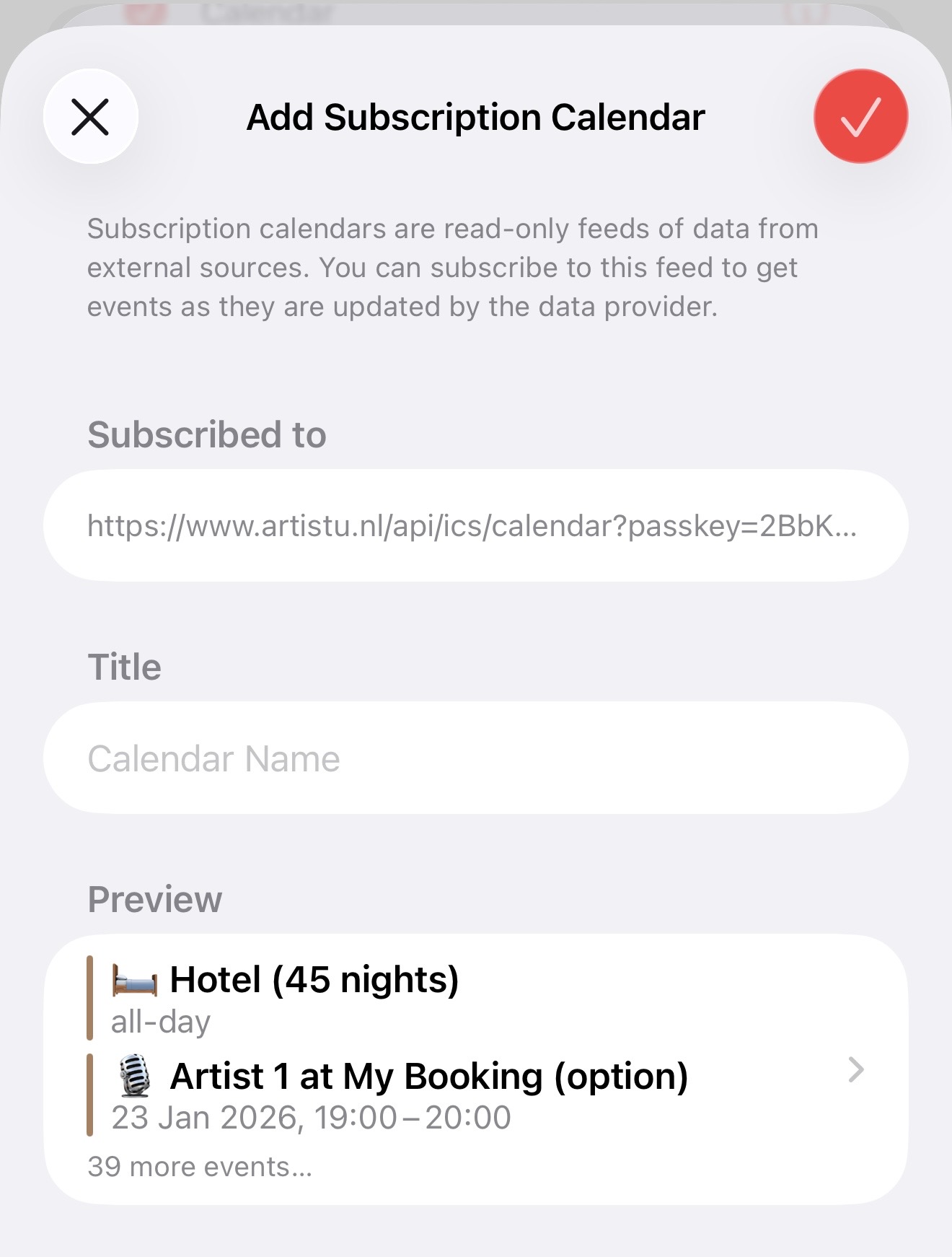
Your Artistu bookings will now appear alongside your other events in your Apple Calendar.