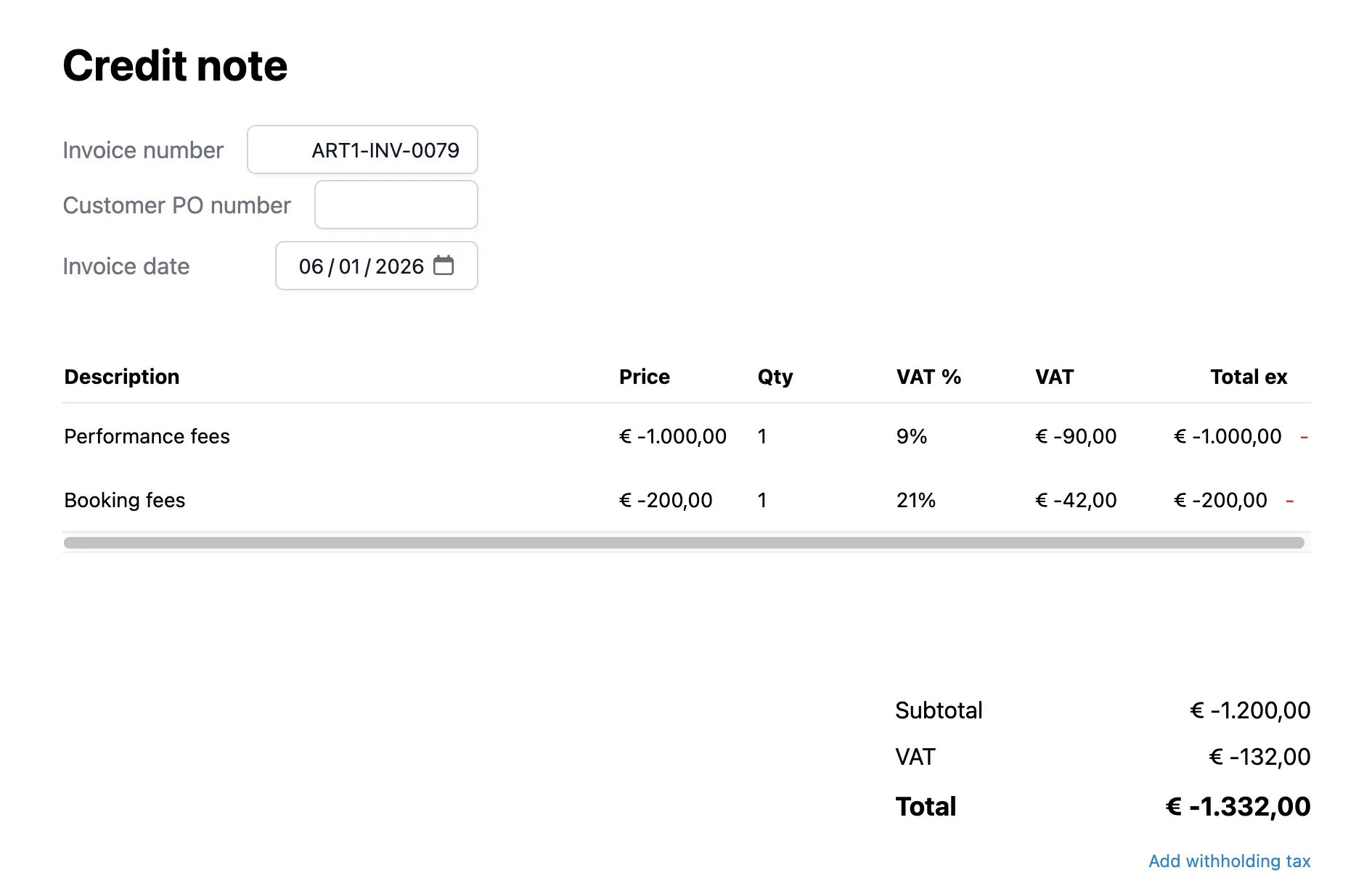
Financial
Automatic credit notes
Artistu simplifies the process of refunding or correcting invoices with its automatic credit note feature.
Crediting an invoice
On any created invoice, you will find a Credit invoice button in the actions menu. Clicking this button initiates the automated process.
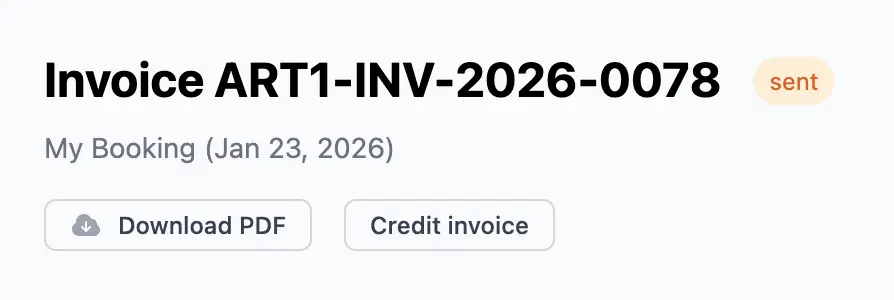
The process
When you choose to credit an invoice, the system will perform two main actions:
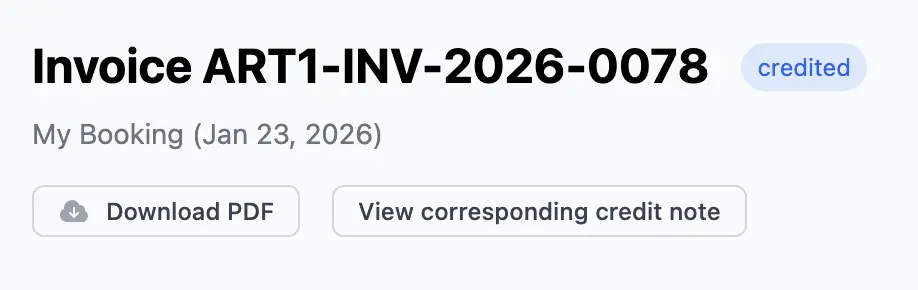
- Update the original invoice status to 'Credited', effectively voiding it for accounting purposes while keeping a record.
- Create a new credit note invoice containing all the same line items and deal items as the original, but with negative values.
You will be asked to confirm the invoice number for this new credit note. By default, the system suggests the next available number for the billing address associated with the invoice.
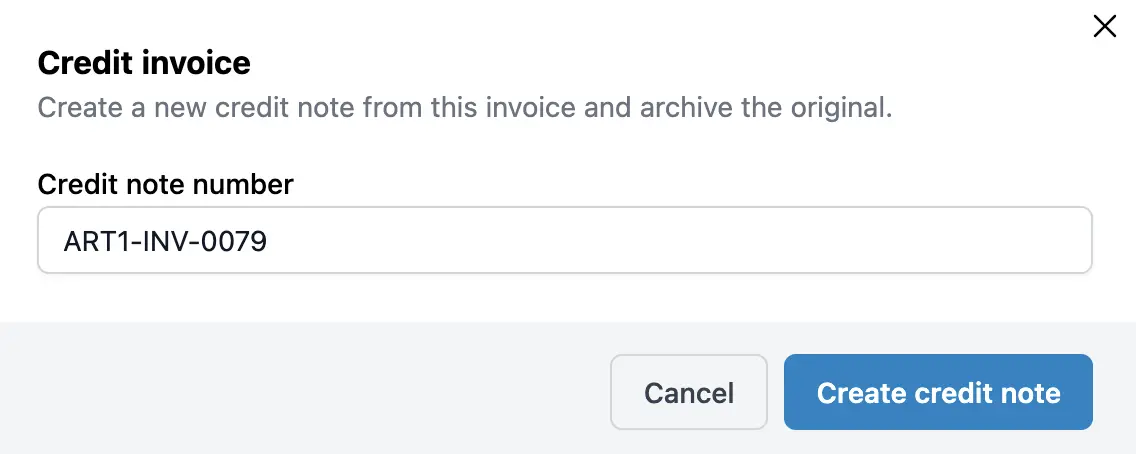
The result
The original invoice will now clearly show its status as Credited.
A new invoice (the credit note) is automatically created and added to your invoices list. You can then treat this like any other invoice: send it to the client for their records, or keep it for your own internal bookkeeping.