Bookings
Attaching contacts to a booking in Artistu
Your contact list forms the backbone of efficient booking management. Artistu allows you to add all your relevant contacts and their information to your dashboard and re-use them across your bookings.
Attaching a contact to a booking
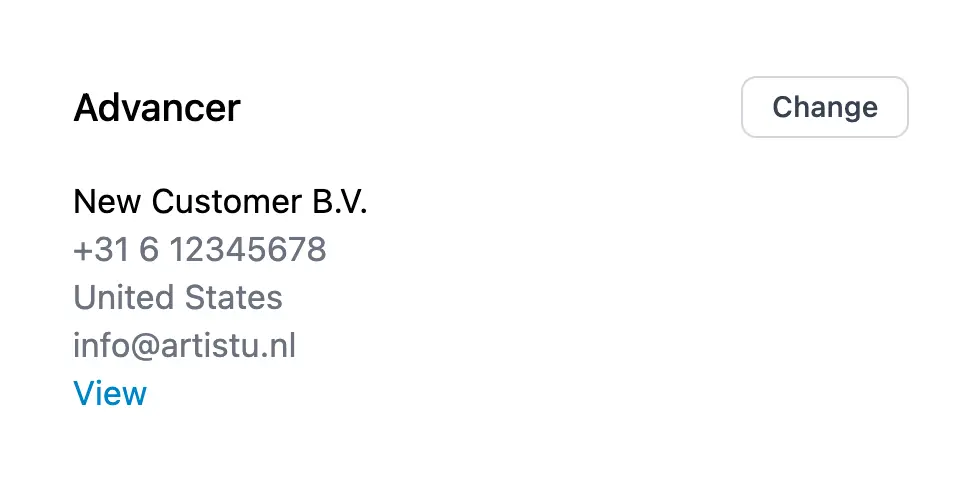
On your booking details page, look on the right for the "promoter" or "advancer" section. Click on the contact you want to attach and a popup will appear.
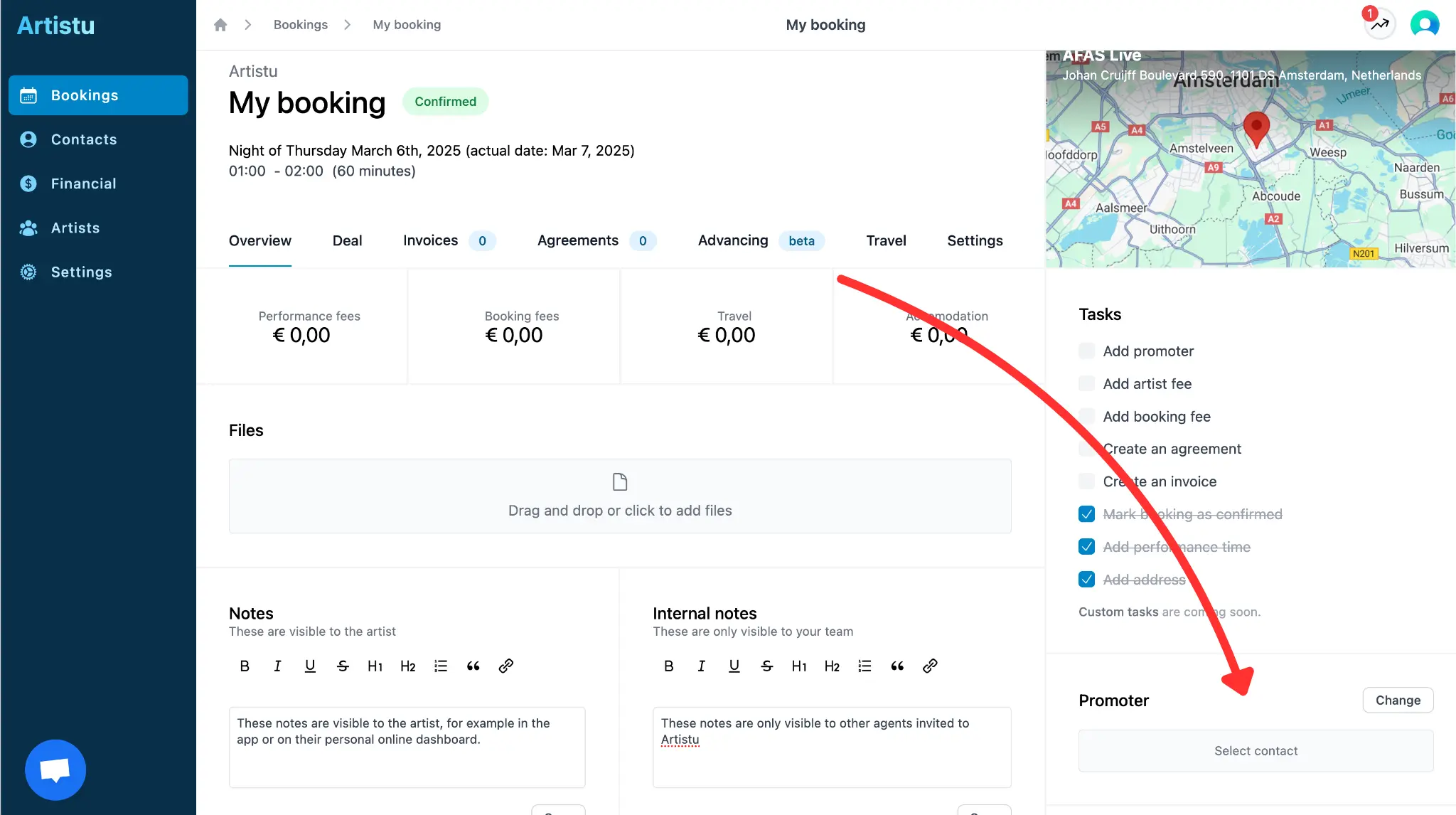
Searching contacts
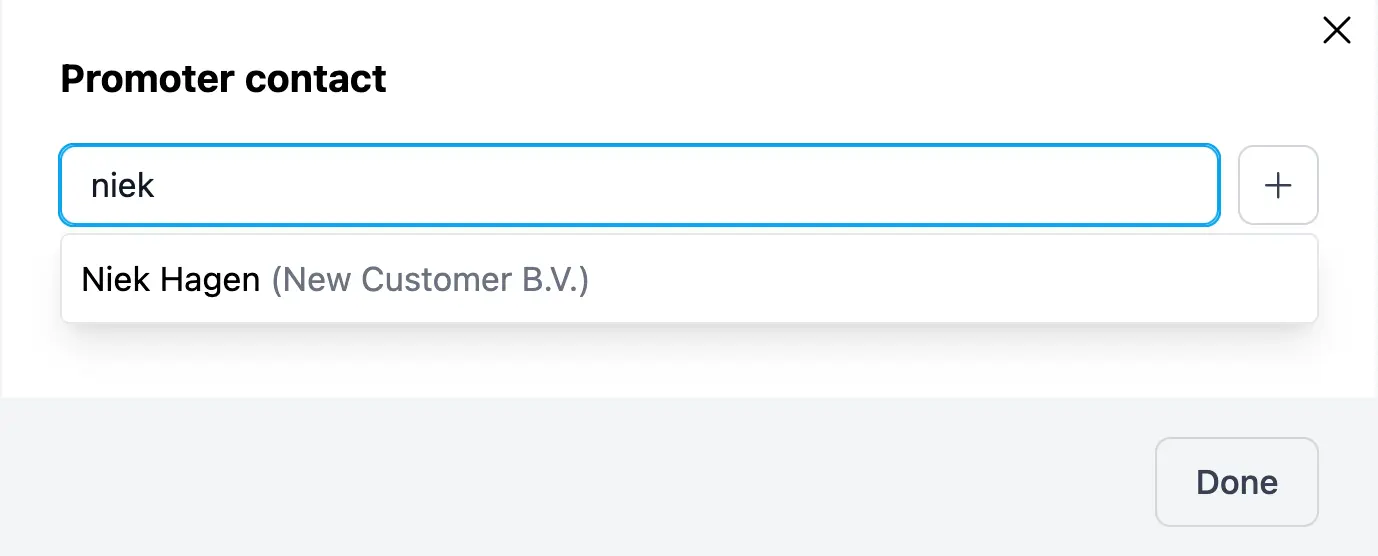
A popup will appear and you can choose to select an existing contact or create a new one.
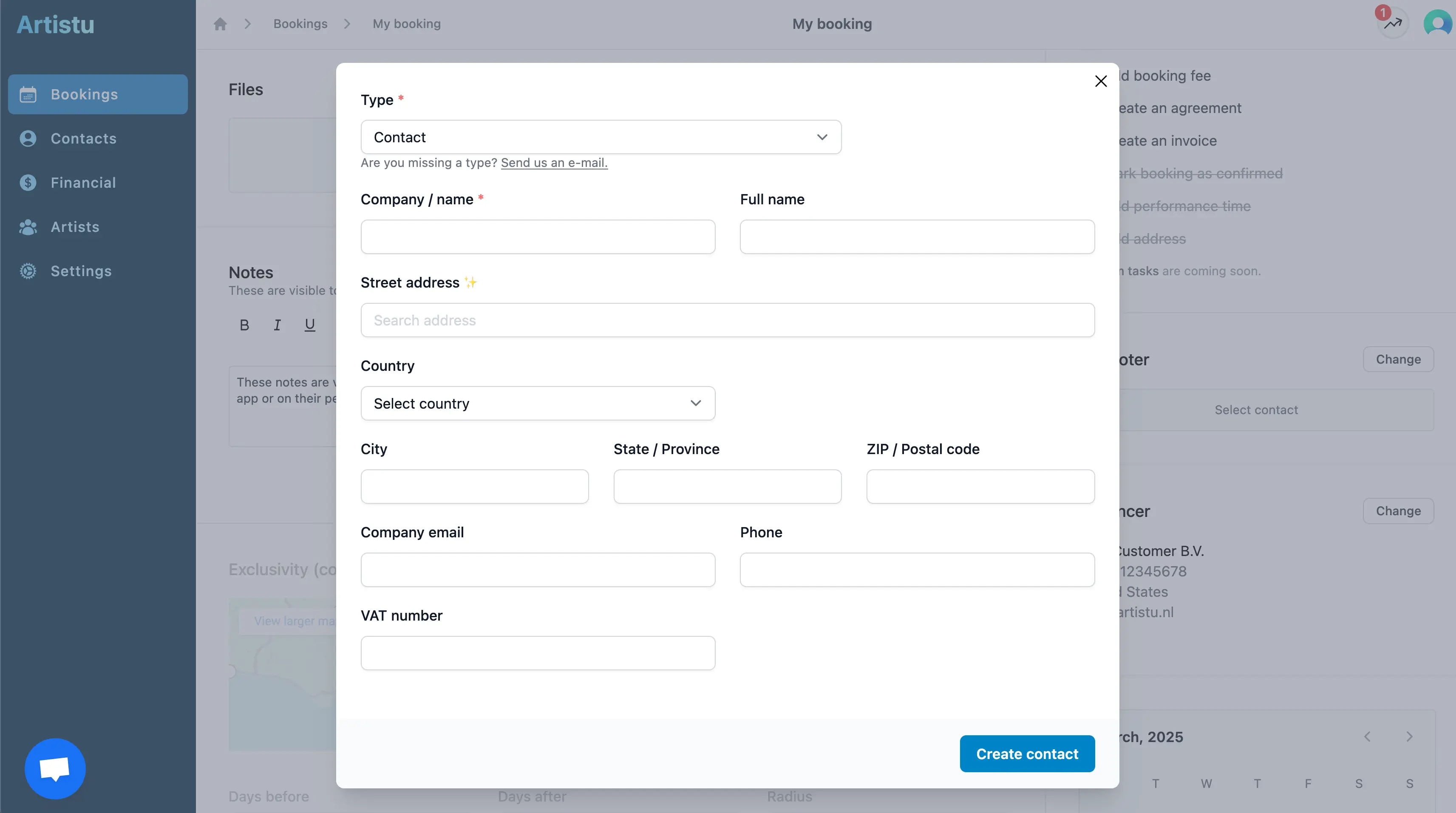
Creating a contact
If your contact does not exist yet, you can quickly create a new one by clicking on the "+" button.
Promoter vs advancer
Artistu allows you to add both a "promoter" and an "advancer" to your booking. The difference between the two is that the "promoter" is the person who booked the artist and is responsible for the booking. The "advancer" is the person who is responsible for coordinating the travel and other logistics.
Promoter: on invoices, agreements & electronic signatures
Advancer: on advancing requests / booking travel