Artists
Deal templates
Artist deal templates are useful for setting default deal fee field values on a booking. This allows you to customize Artistu to show deal structures you commonly use, saving you time when creating new bookings.
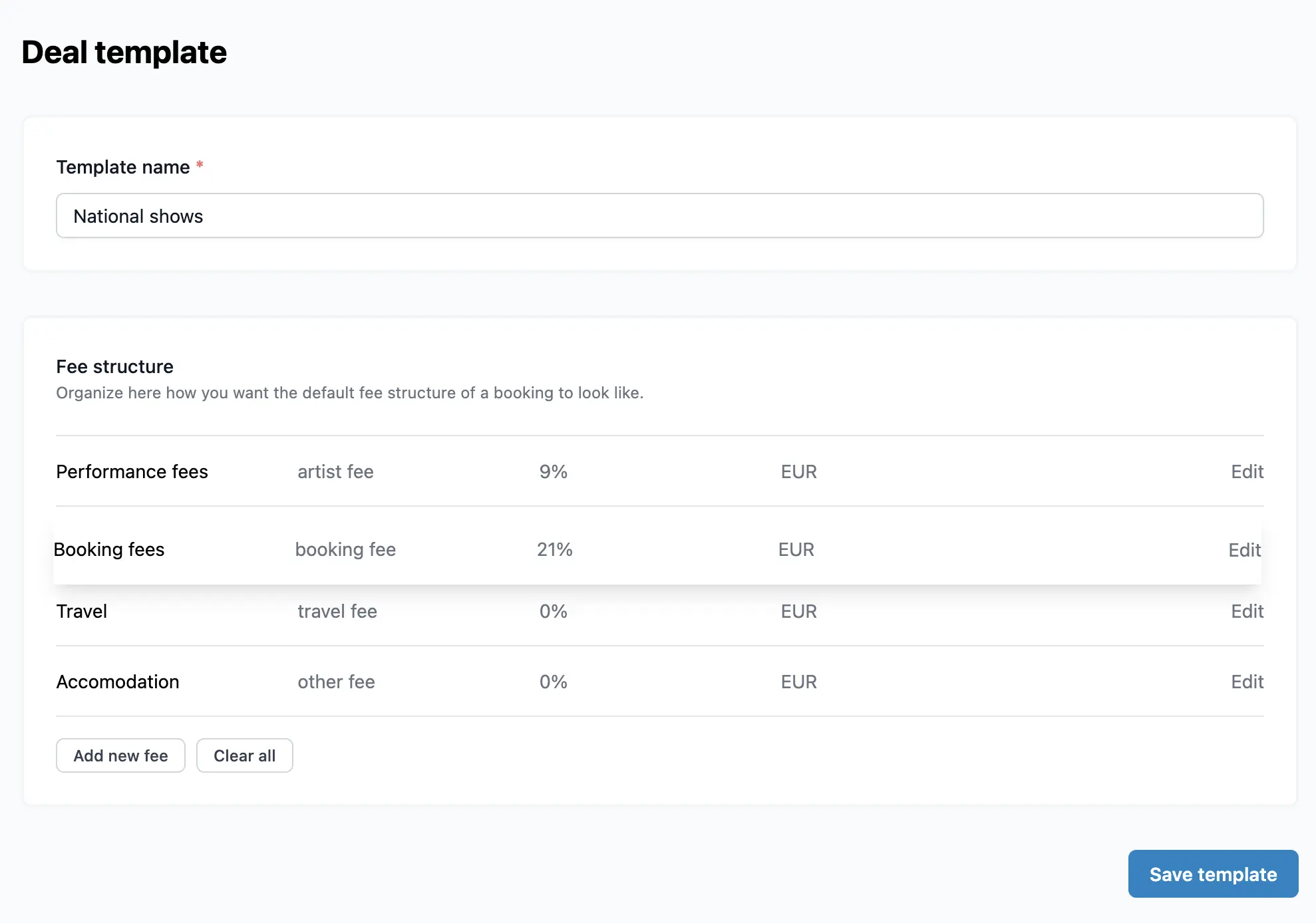
For example, you can create a template for "National Dutch Shows" and set the performance fee to have a VAT of 9% and the booking fee to 21%.
Creating a new template
To create a new deal template, navigate to the artist's deal templates section and click on Create new template.

Managing fields
Once you have created a template, you can customize the fields to match your needs.
Reordering fields
You can easily drag and drop fields to reorder them, ensuring the most important information is always at the top.
Setting default values
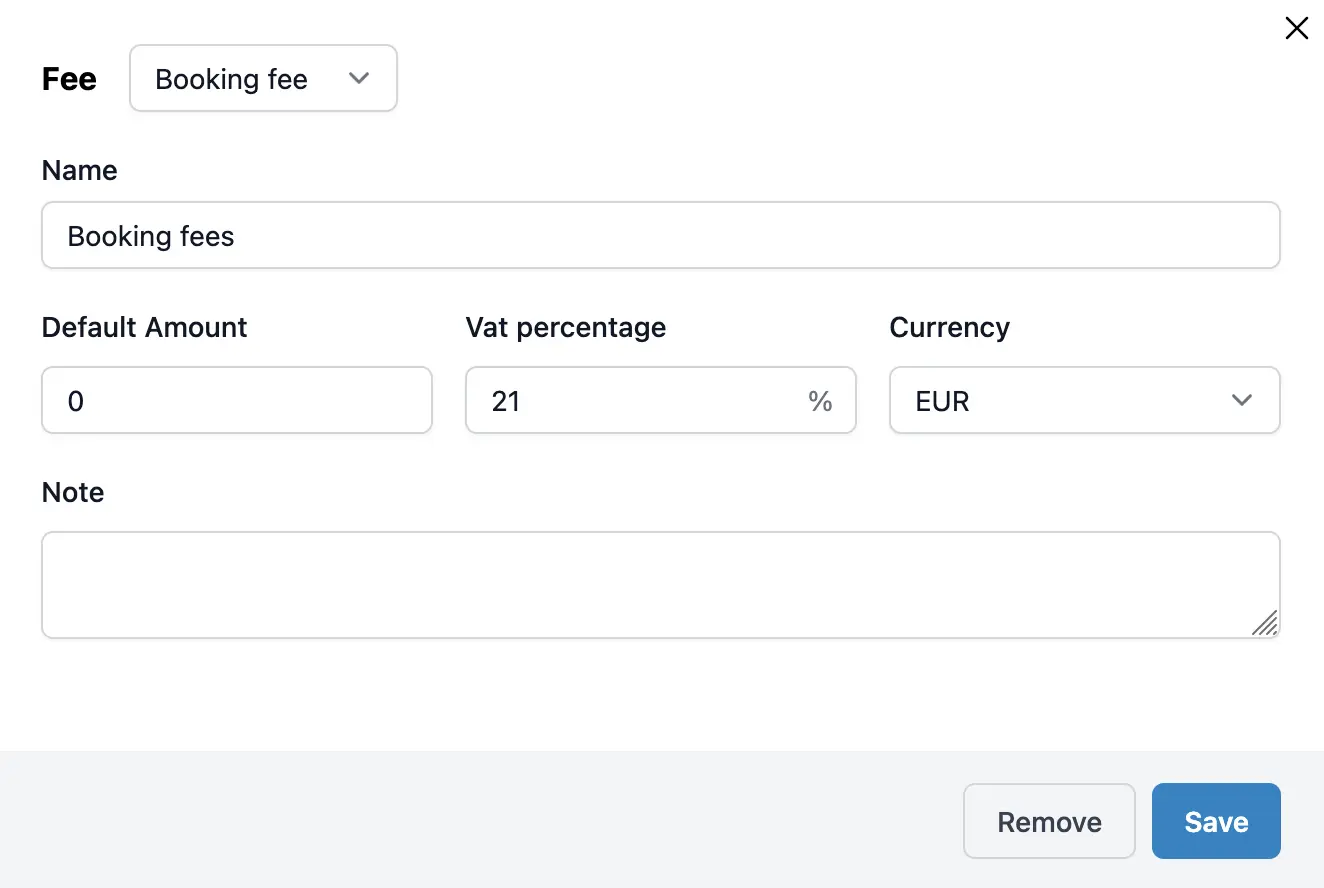
You can set default values for each fee field, including:
- Default name
- Default amount
- Default VAT percentage
- Default currency
- Default note
You can also specify the fee type for each field.
Template actions
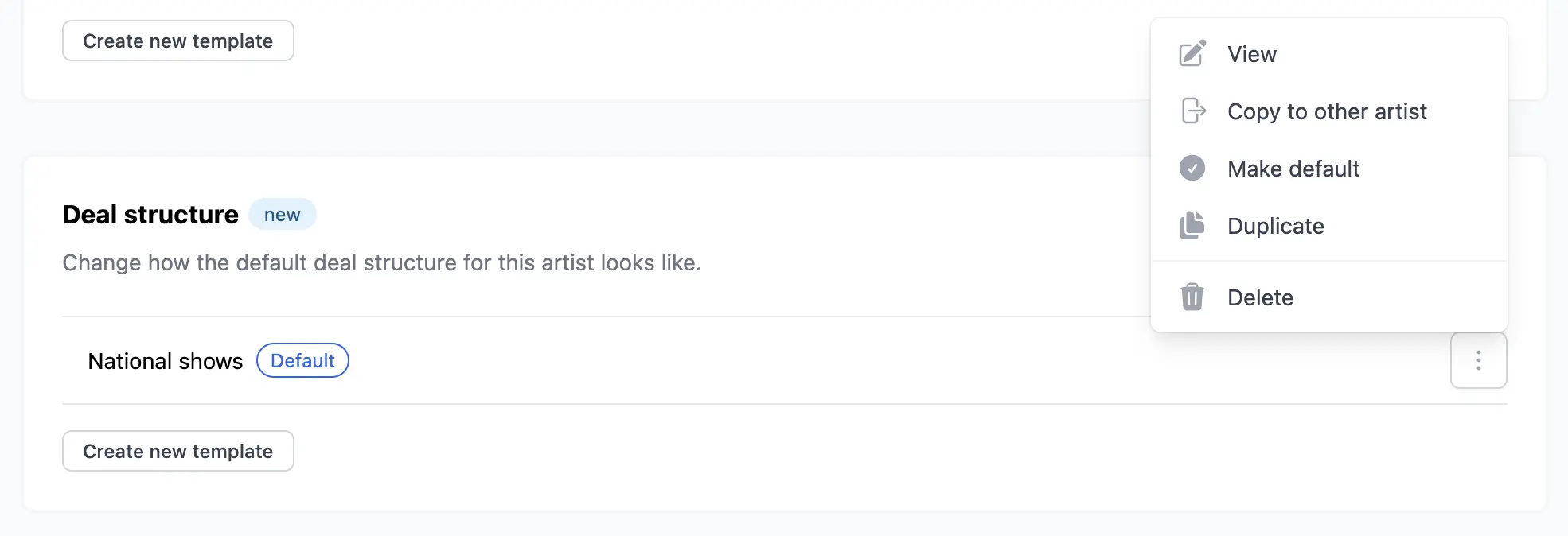
Existing deal templates have several actions you can perform:
- Make default: Set a template as the default, so it shows up first when creating a booking.
- Copy to other artists: Quickly copy a template to other artists in your roster.
Using the template
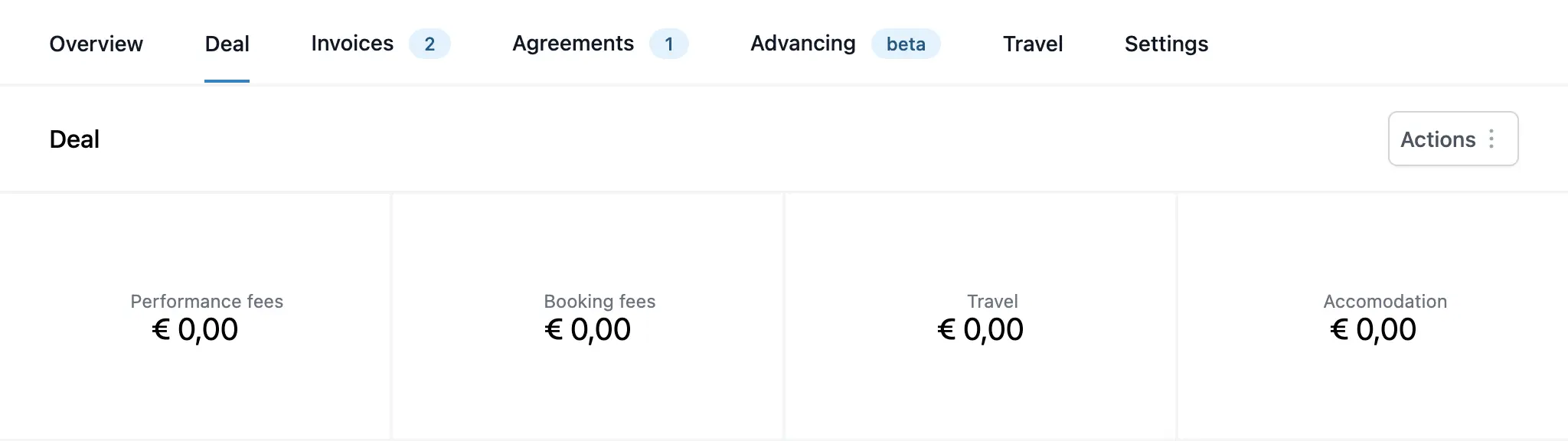
When creating a new booking, you can select the desired deal template. This will automatically populate the deal section with the values you defined in the template.
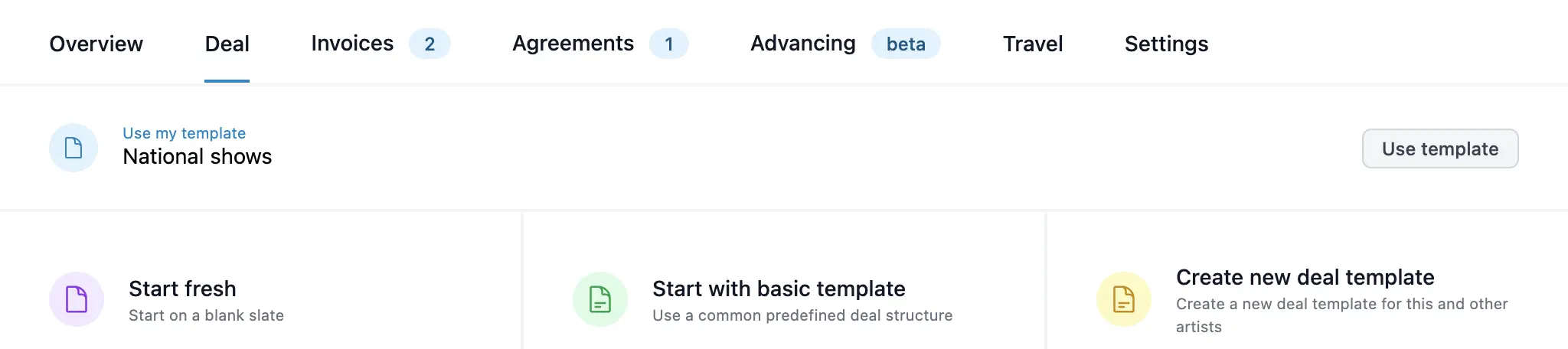
The result is a pre-filled deal structure that is ready to go.