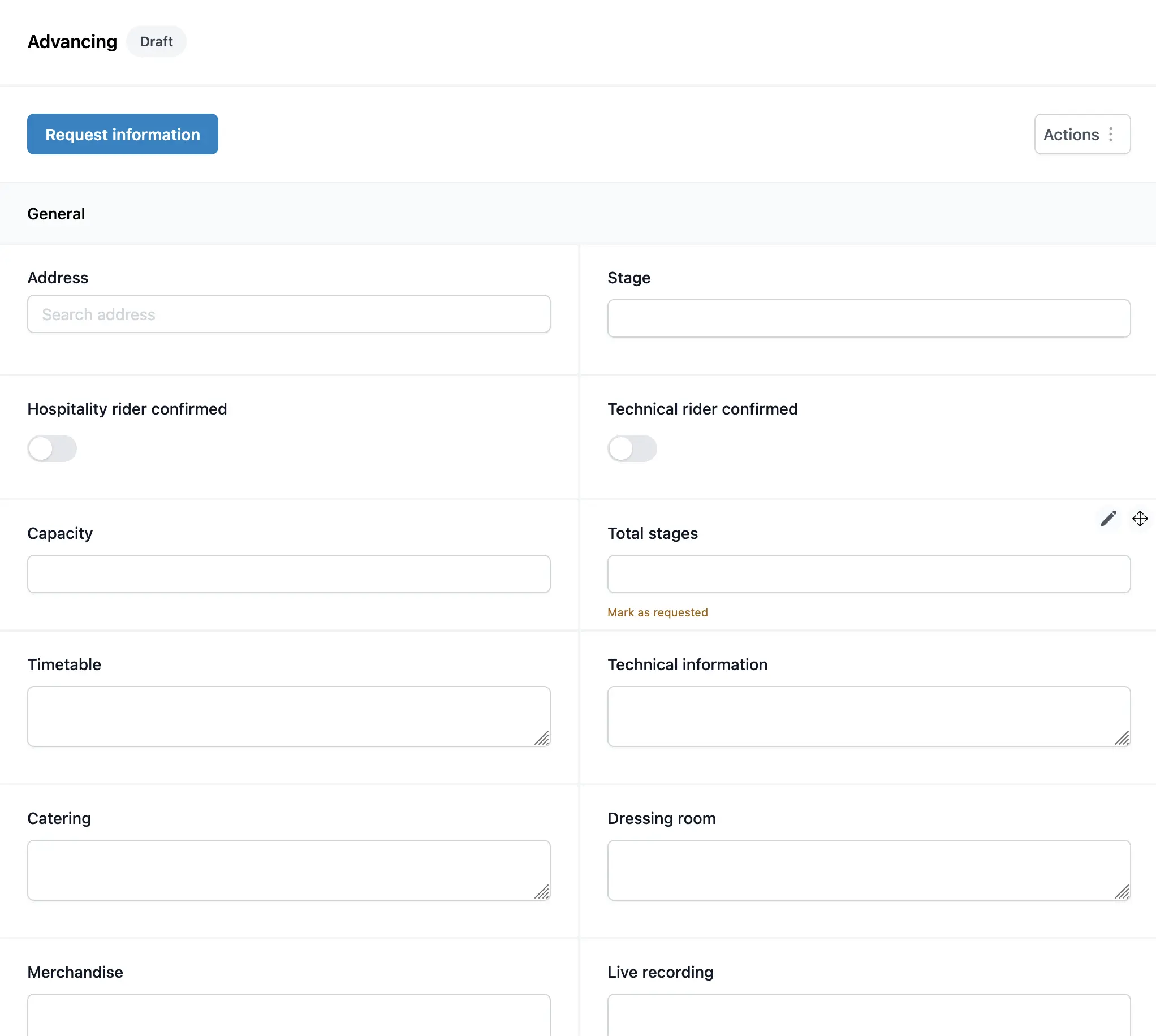
Advancing
Creating a template
One of the most powerful features of Artistu's advancing system is the ability to save your customized field configurations as templates. This allows you to re-use them across multiple bookings, saving you significant time and ensuring consistency.
Use cases
You can create different templates for various scenarios, such as:
- National shows: Containing fields specific to domestic travel and logistics.
- International shows: Including fields for flights, visas, and passport information.
Creating and saving a template
Once you have set up an advancing form with all the fields and settings you need, you can save the order and configuration of your fields to a new advancing template.
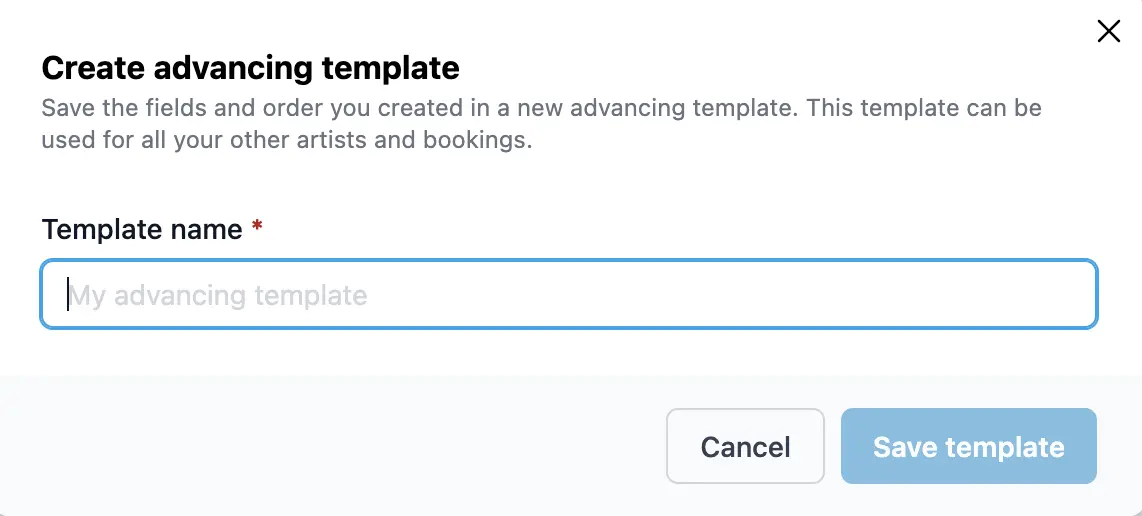
Applying a template
When you start advancing for a new booking, you can simply select one of your saved templates. This will automatically populate the advancing form with your pre-defined structure.

The result is a fully populated advancing form, ready to be sent to the promoter, in just a few clicks.